Profile Settings
Profile Settings
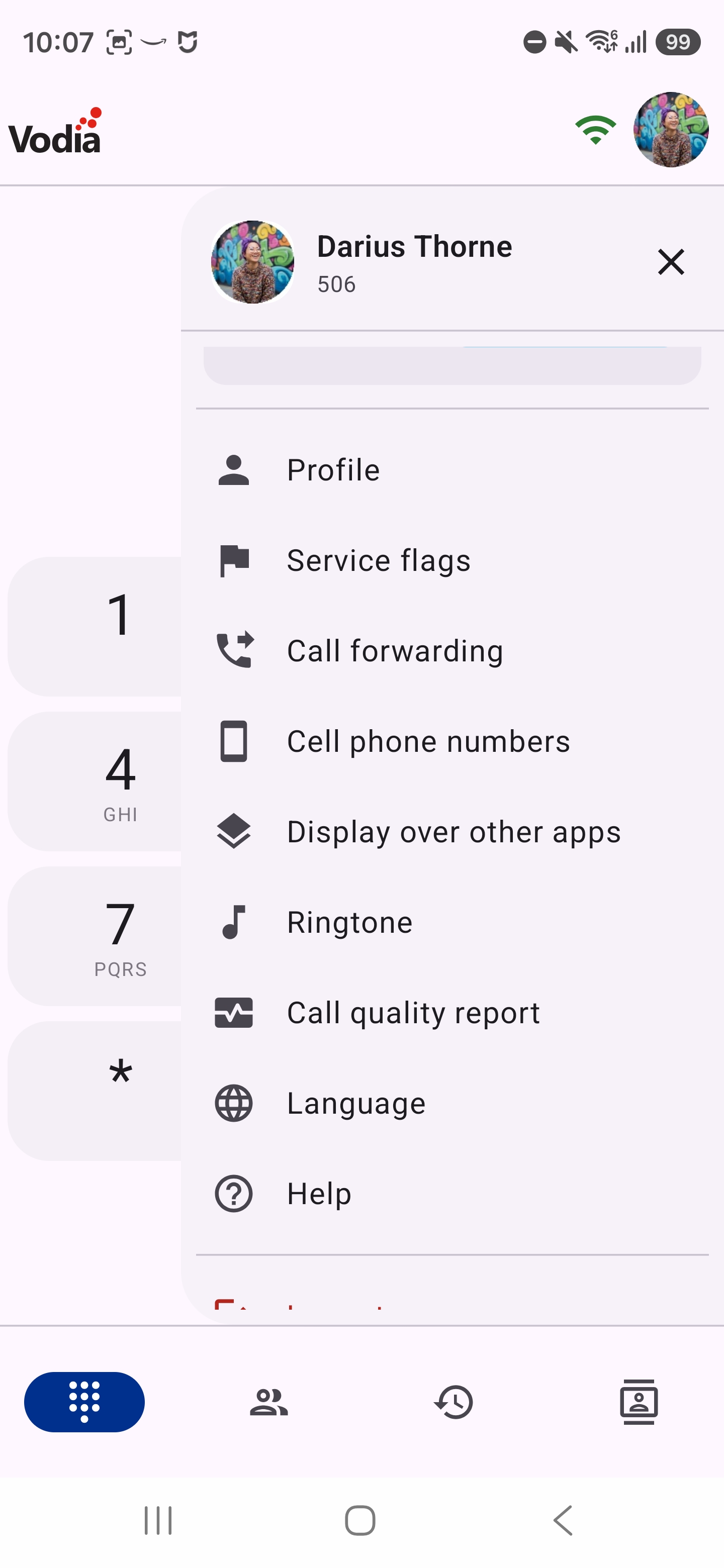
Here you have access to various settings to manage your extension and some PBX features.
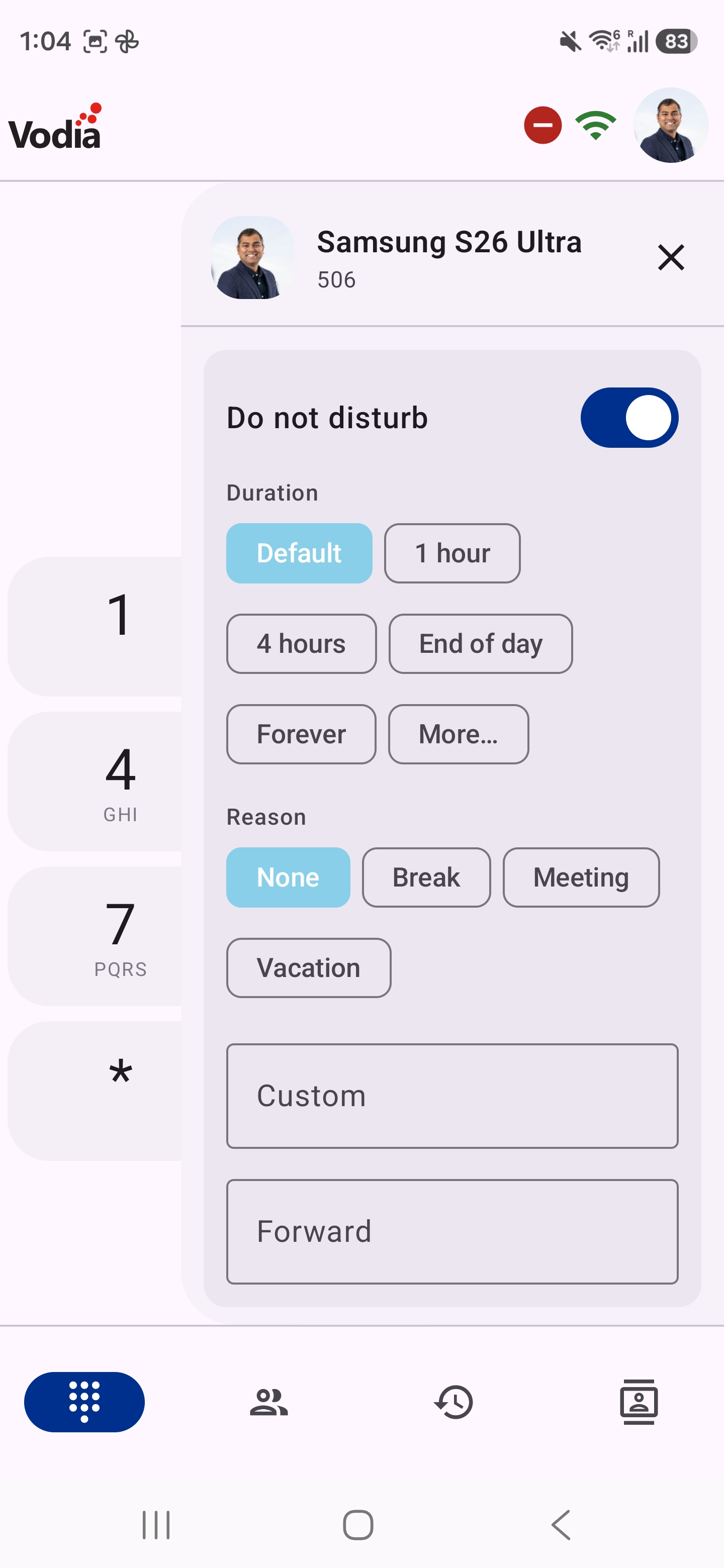
DND
- You can set your extension on DND
- You can set a reason for DND
- You can set a number to forward calls when on DND
- You can set a duration for DND
Caller ID
- If your PBX offers more than one outbound number, you can choose which number is shown when you call out
- This card appears only when the PBX provides numbers to choose from
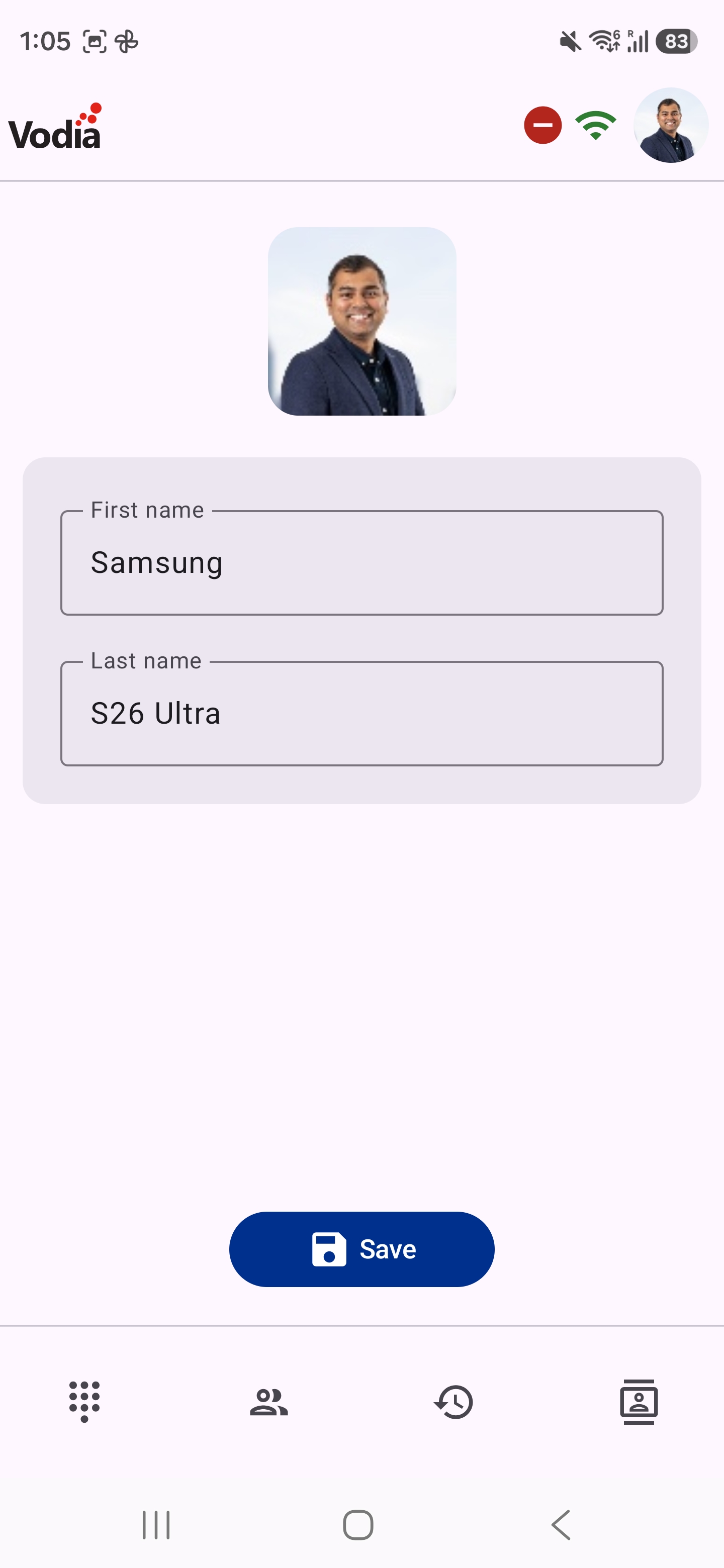
Profile
- You can set the first name and last name for your extension
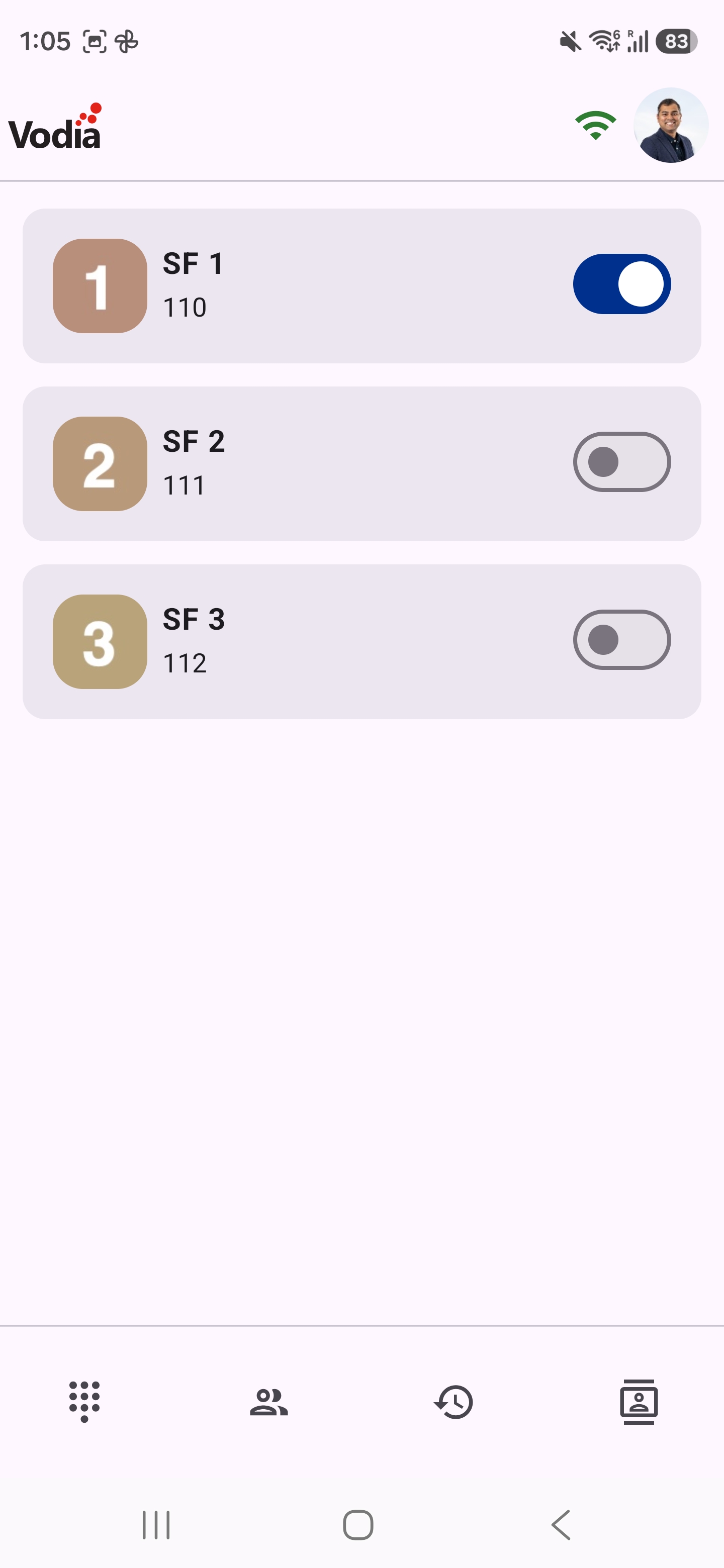
Service Flags
note
Admin will need to give you necessary permissions in the PBX groups
- You can toggle the state of service flags
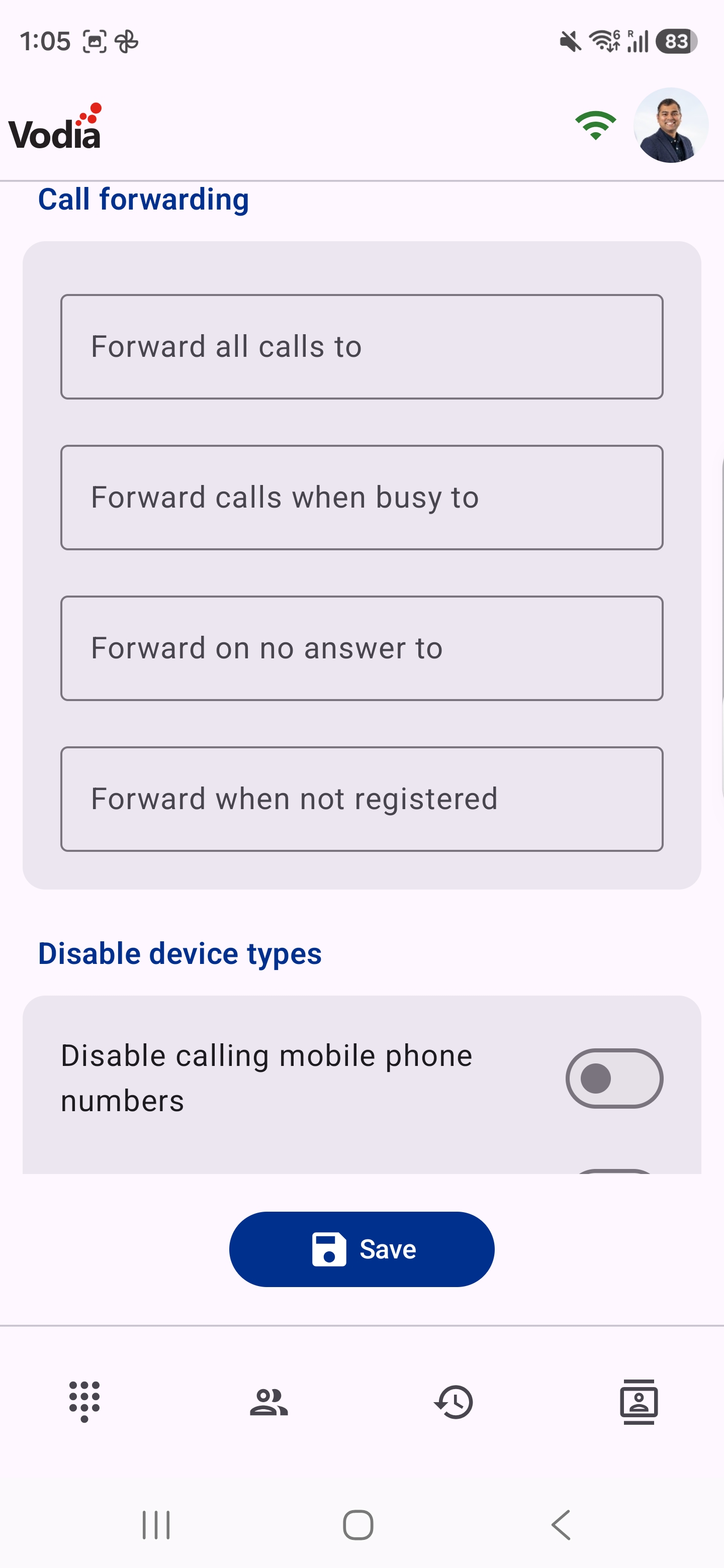
Call Forwarding
You have various options to forward calls:
- Forward all calls
- Forward calls when busy to
- Forward on no answer to
- Forward when not registered
You also have the ability to disable device types:
- Disable calling mobile phone numbers
- Disable calling the app
- Disable calling VoIP phone
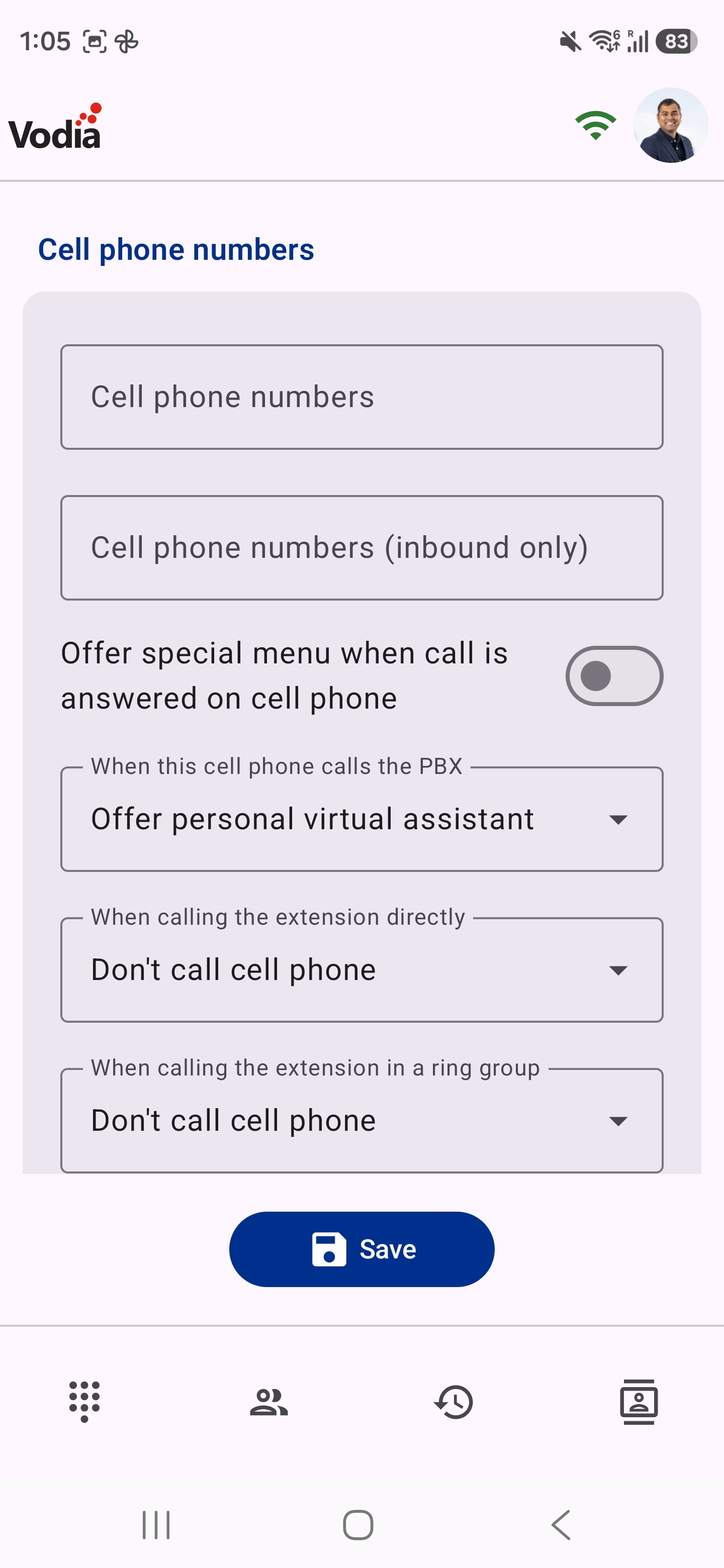
Cell Phone Numbers
- Ability to change your cell phone number
- Ability to control various settings as described in the cell phone settings documentation
Display Over Other Apps
- Opens the Android setting that lets Vodia Phone 2 display over other apps
- Keep it on so the microphone works when you answer a call from a headset, car or watch while the app is in the background
Ringtone
- Choose the ringtone for Vodia calls from your phone's ringtones
- Default ringtone follows your phone's ringtone
- The ringtone follows your phone's Do Not Disturb settings
Call Quality Report
- Turn per-call quality reports on or off, see how many reports are stored, and delete them
- See Call Quality
Language
- Opens Android's language setting for Vodia Phone 2, so the app can use a different language from the rest of your phone
- Available on Android 13 and later
Help
- Opens this documentation
Logout
- You can logout from the app