History
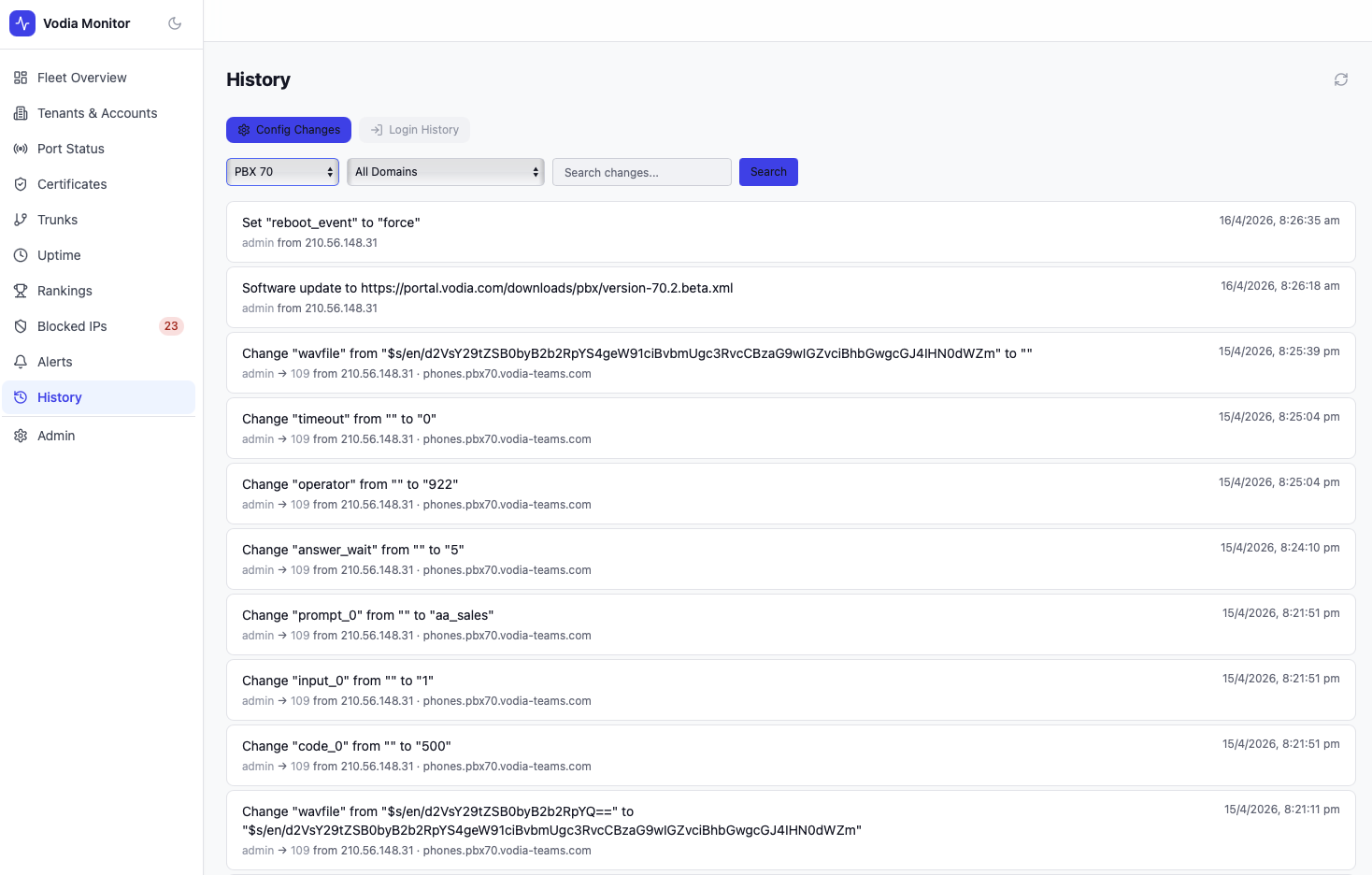
The History page provides an audit trail of configuration changes and admin logins across all connected PBX servers.
Tabs
Config Changes
A chronological log of every configuration change recorded on your PBX servers, pulled from each PBX's change API. Each entry shows:
- Change description — what was changed (e.g.
Software update to ...,Set "reboot_event" to "force") - Actor — the admin username and source IP address that made the change (e.g.
admin from 210.56.148.31) - Timestamp — exact date and time of the change
This gives you a fleet-wide view of who changed what and when — useful for correlating configuration changes with alerts or uptime events.
Login History
A log of admin logins recorded on your PBX servers, showing the user, source IP, and timestamp of each login event.
Filtering
Use the PBX filter tabs to scope the history view to a specific server. A search field allows filtering entries by keyword across all fields.