Vodia Wallboards
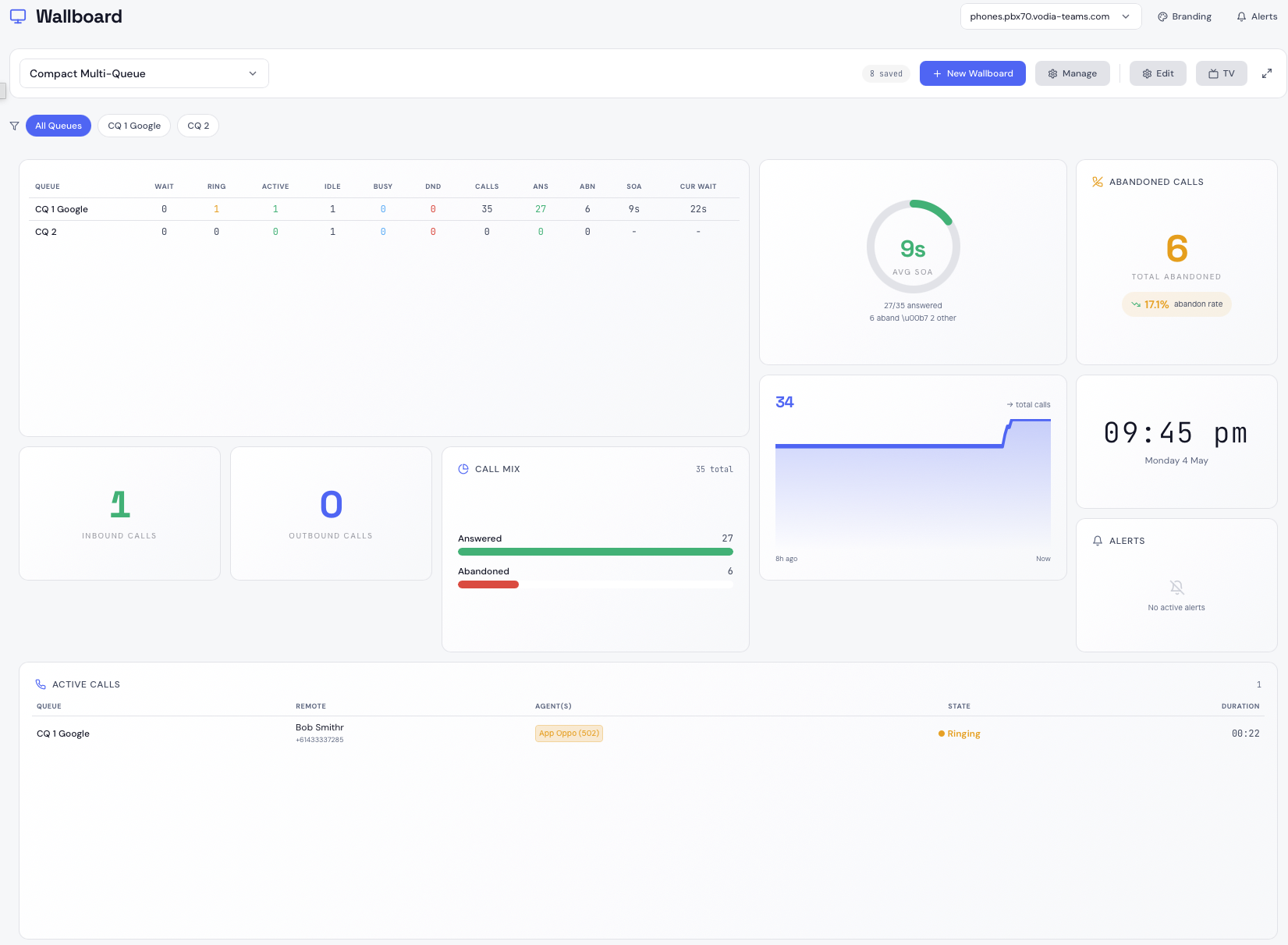
Real-time wallboards for Vodia call queues
Vodia Wallboards is a self-hosted platform that delivers live queue monitoring and wallboard displays for Vodia call queues. Connect to one or more Vodia PBX servers, enable monitoring per tenant, and build wallboards that show exactly what your teams need to see — on any screen, from a supervisor's browser to a TV on the floor.
What You Get
- Real-Time Overview — Live queue metrics across all monitored tenants: calls waiting, ringing, active calls, agent states, and inbound/outbound counts updated the moment they change
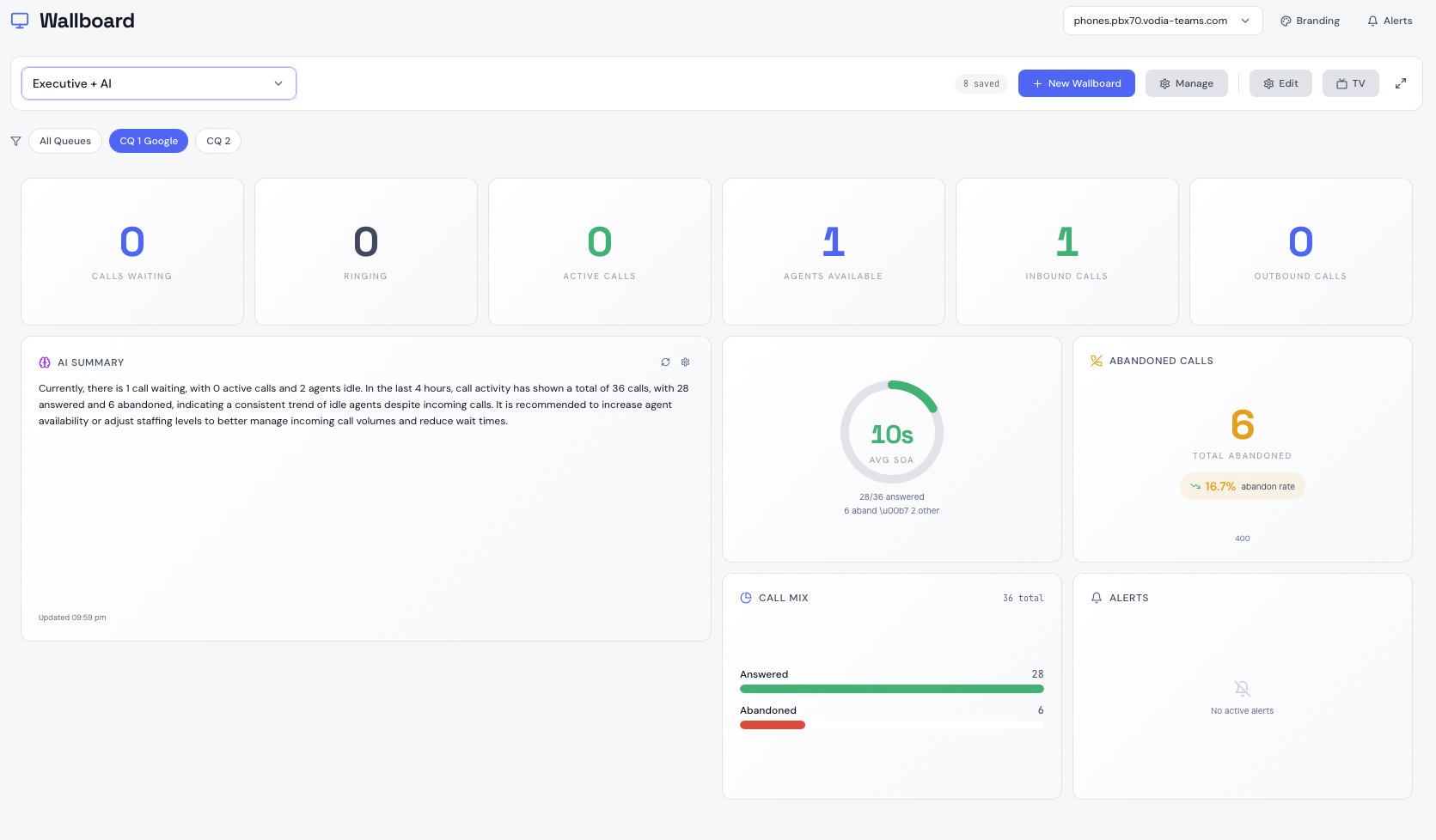
- Wallboard Builder — Drag-and-drop canvas with 8 preset layouts and a full widget library. Build as many wallboards as you need per tenant
- Widget Library — 15 widget types covering KPIs, agent grids, SOA gauges, trend sparklines, active call lists, AI summaries, and more
- TV / Kiosk Mode — Publish any wallboard as a login-free URL for dedicated displays and kiosks
- Multi-PBX Support — Monitor multiple Vodia PBX servers from a single Vodia Wallboards instance
- AI Summaries — Natural language queue health analysis via OpenAI, Claude, Gemini, or Ollama
- Alerting — Threshold alerts delivered via email
- Branding — Per-tenant logo and accent colour shown in wallboard headers and TV mode
- Security — MFA with TOTP and passkeys, role-based access, and AES-256-GCM encrypted PBX credentials
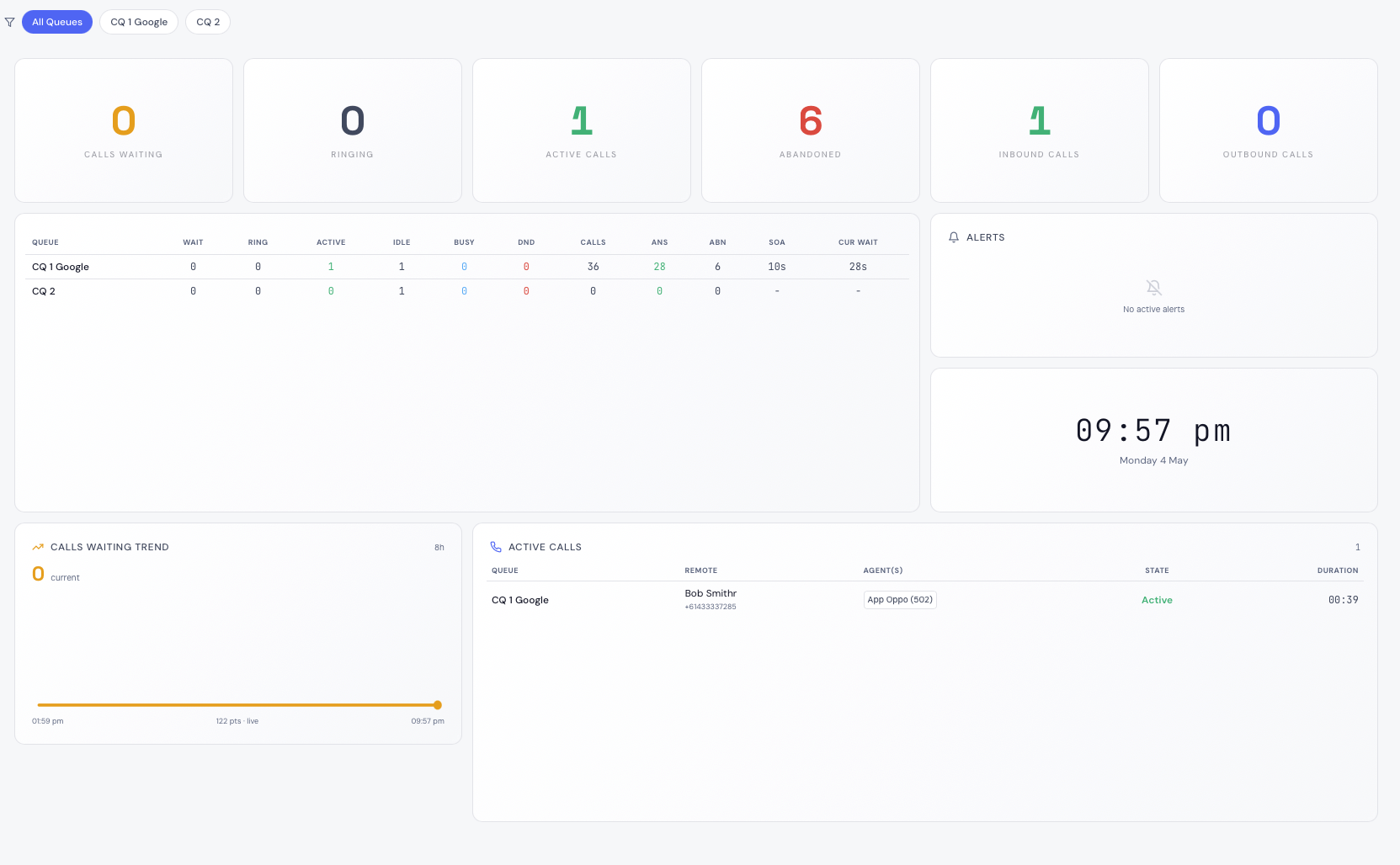
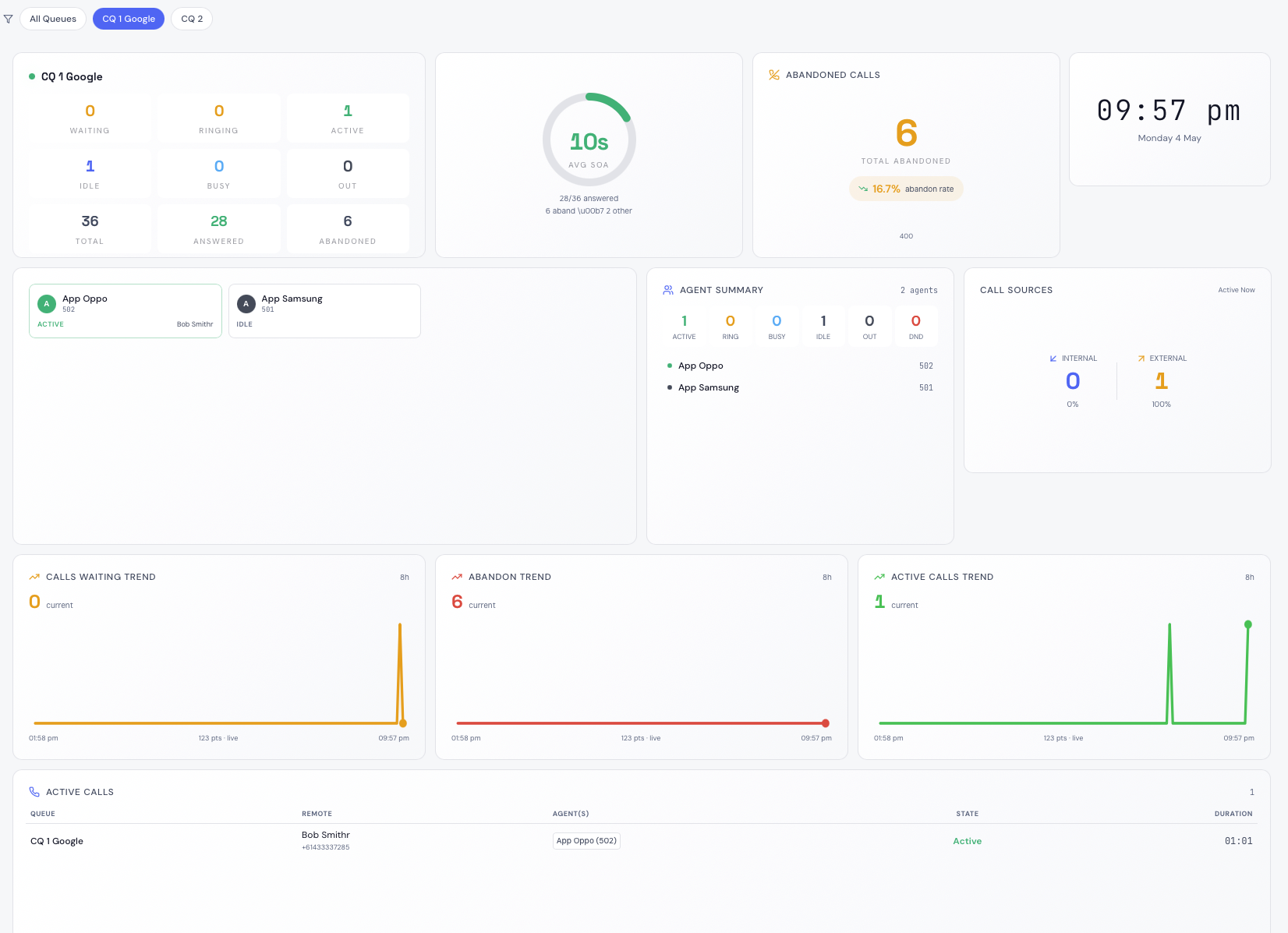
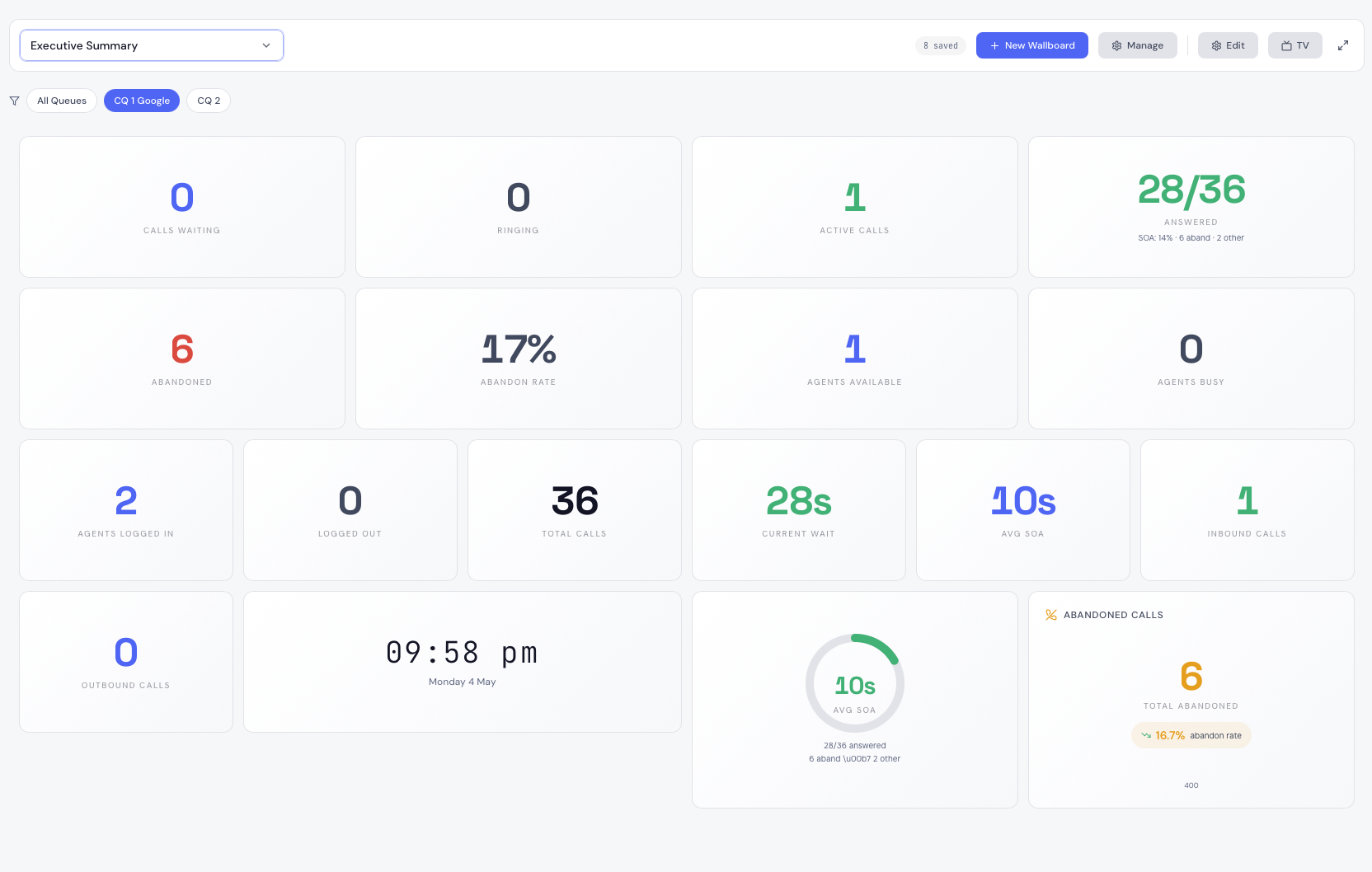
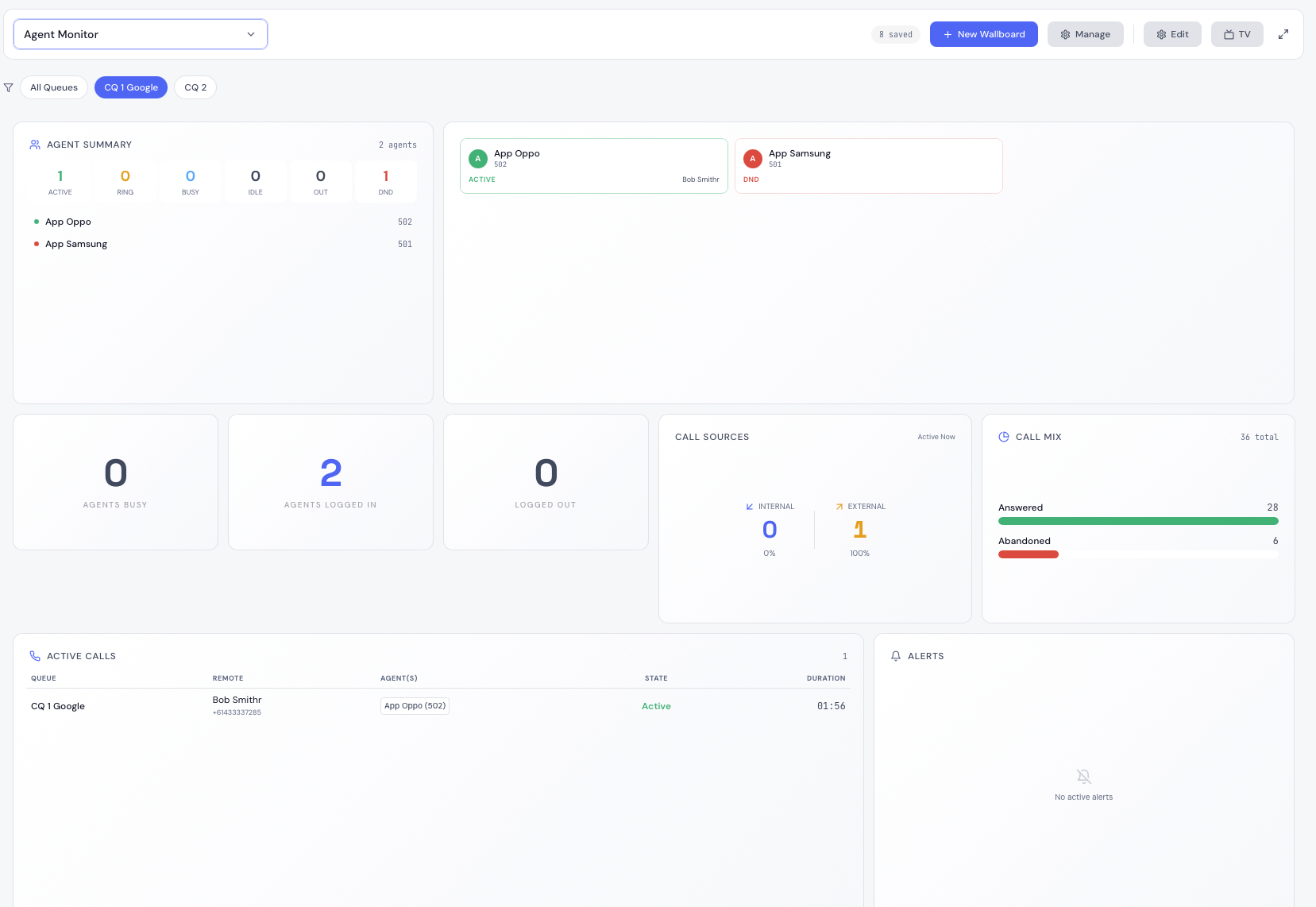
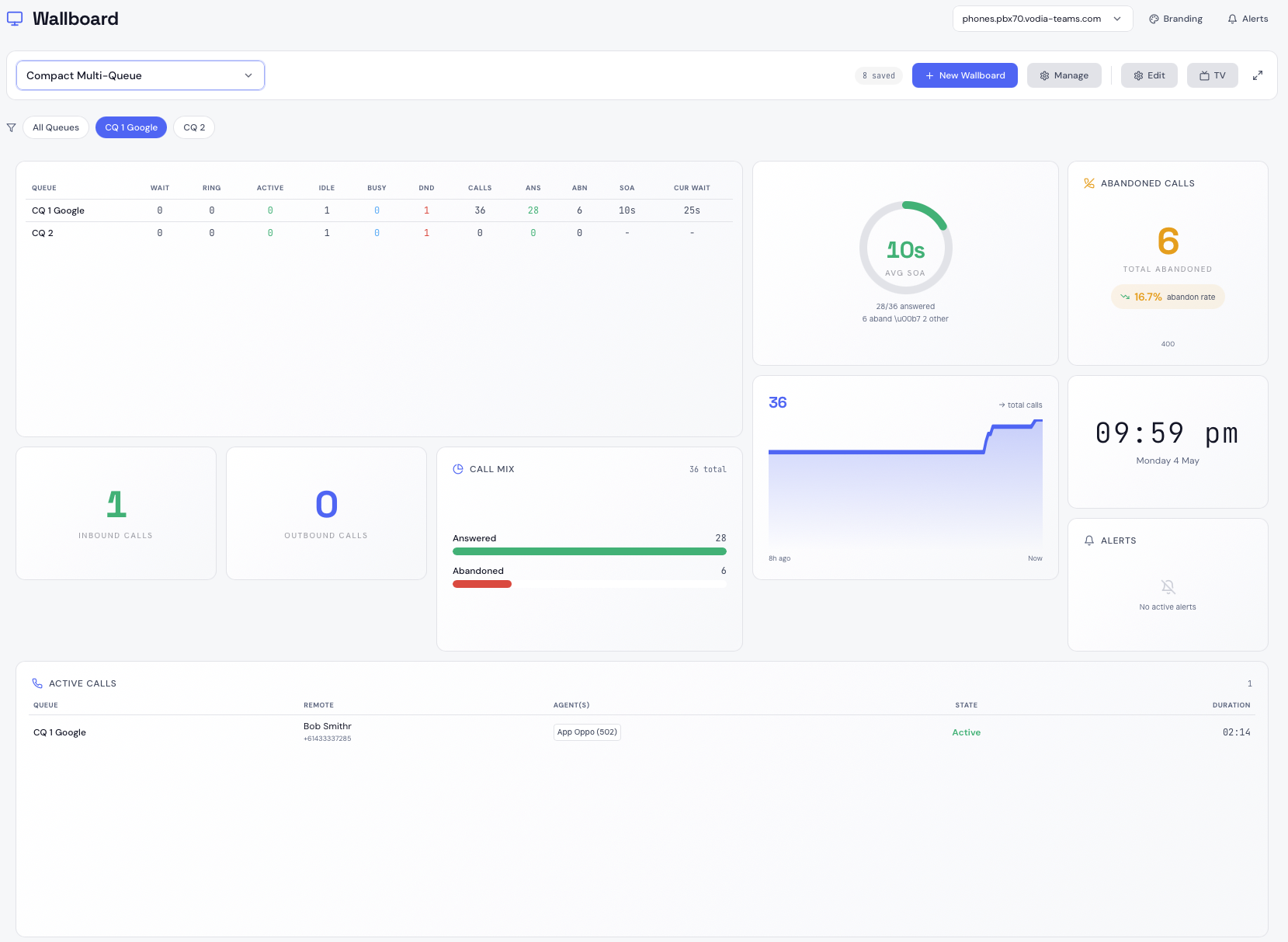
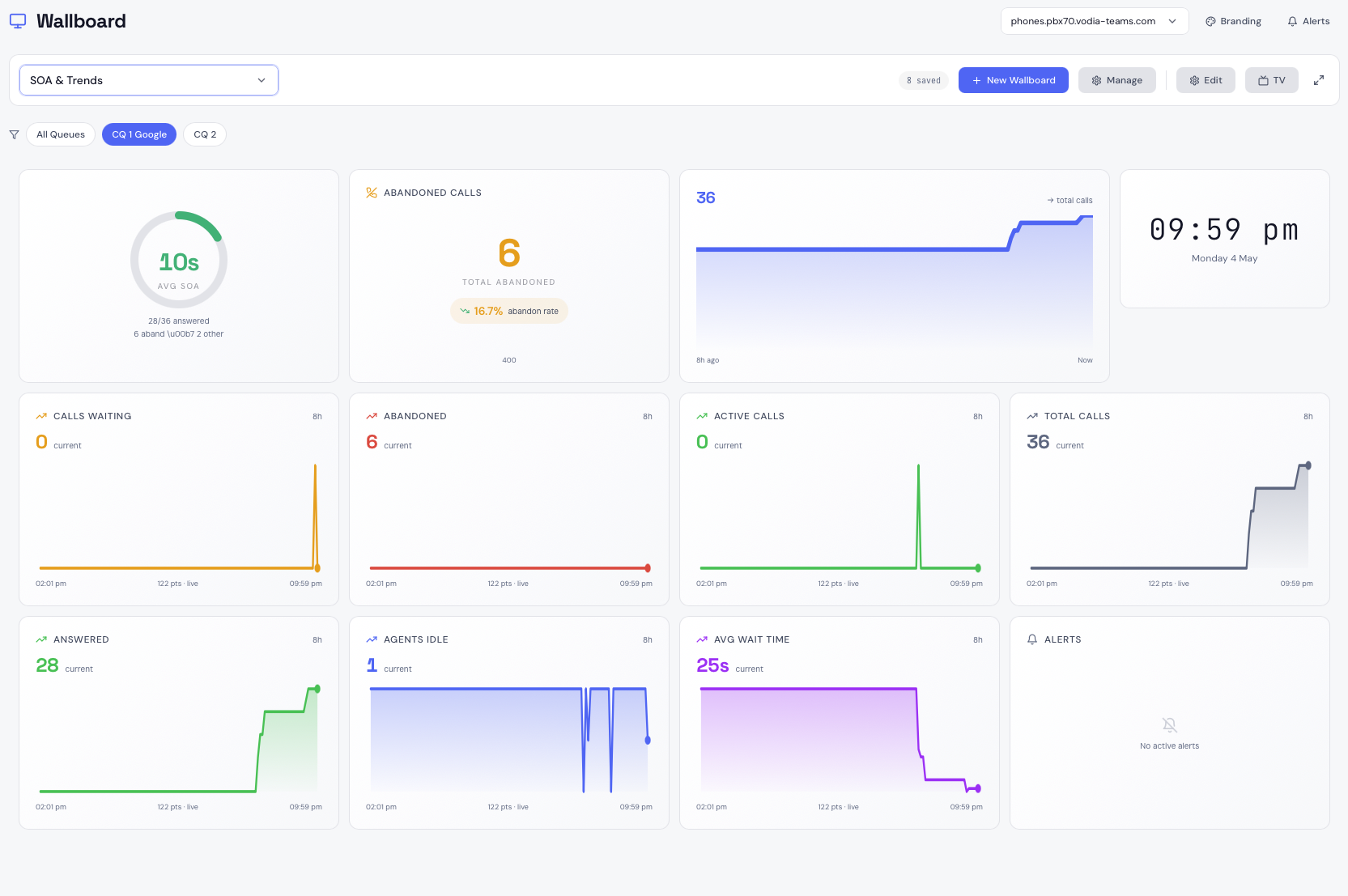
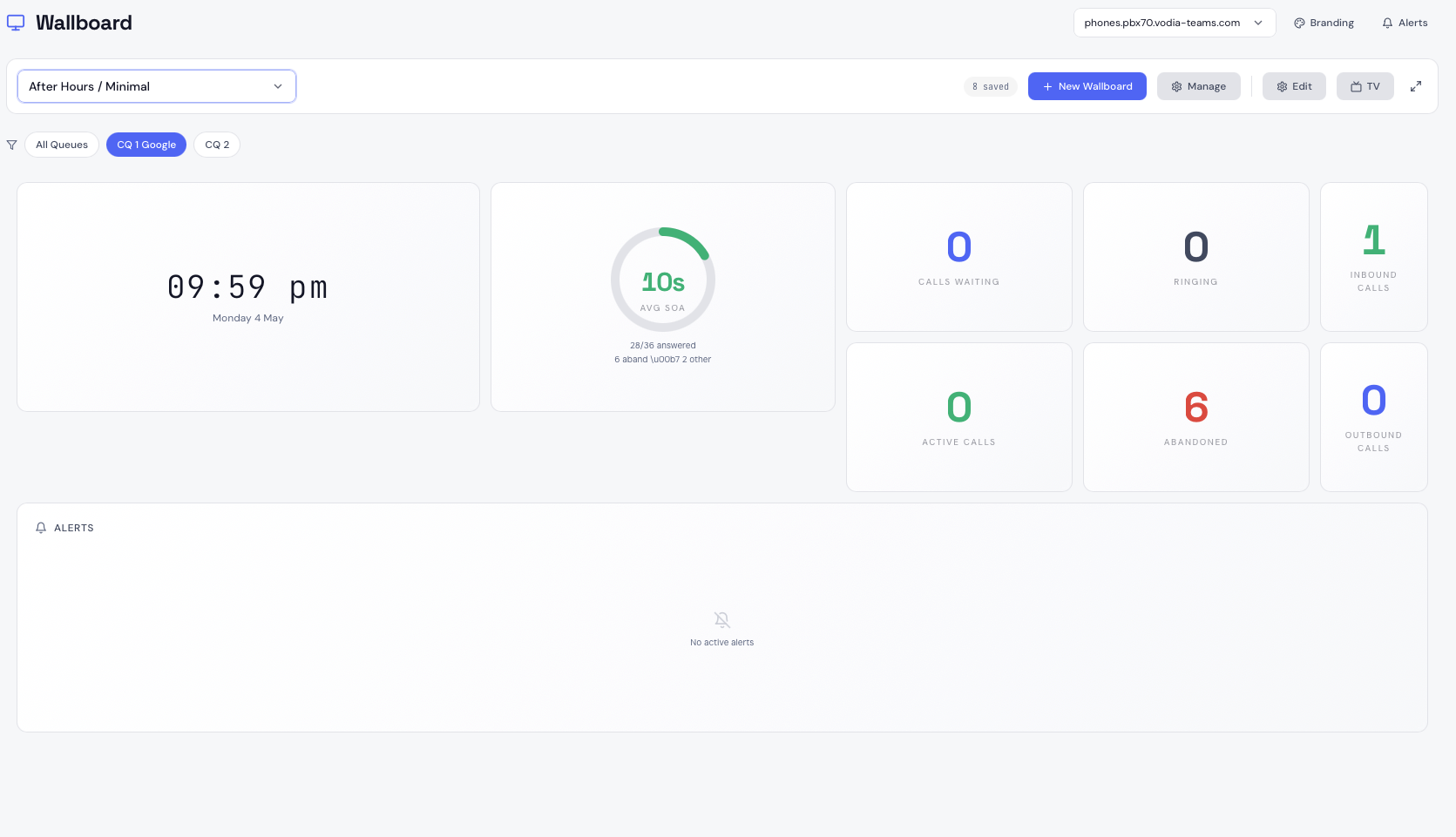
Preset Layouts
Eight ready-made layouts to get you started instantly.
Quick Start
On a fresh Ubuntu 24.04 server with a domain pointed to it:
apt-get install -y wget unzip
wget https://cdn.vodia.net/vodia-wallboards/vodia-wallboards.zip
unzip vodia-wallboards.zip
cd vodia-wallboards
sudo bash install.sh
The installer asks for your domain and admin email, generates credentials, and handles everything else automatically. You'll be monitoring queues in under 10 minutes.
Vodia Wallboards requires Vodia PBX v69 or later with API access enabled. See PBX Servers for setup instructions.