Please whitelist the public IP in your System Security Settings to avoid Vodia Monitor blocking your PBX.
PBX Servers
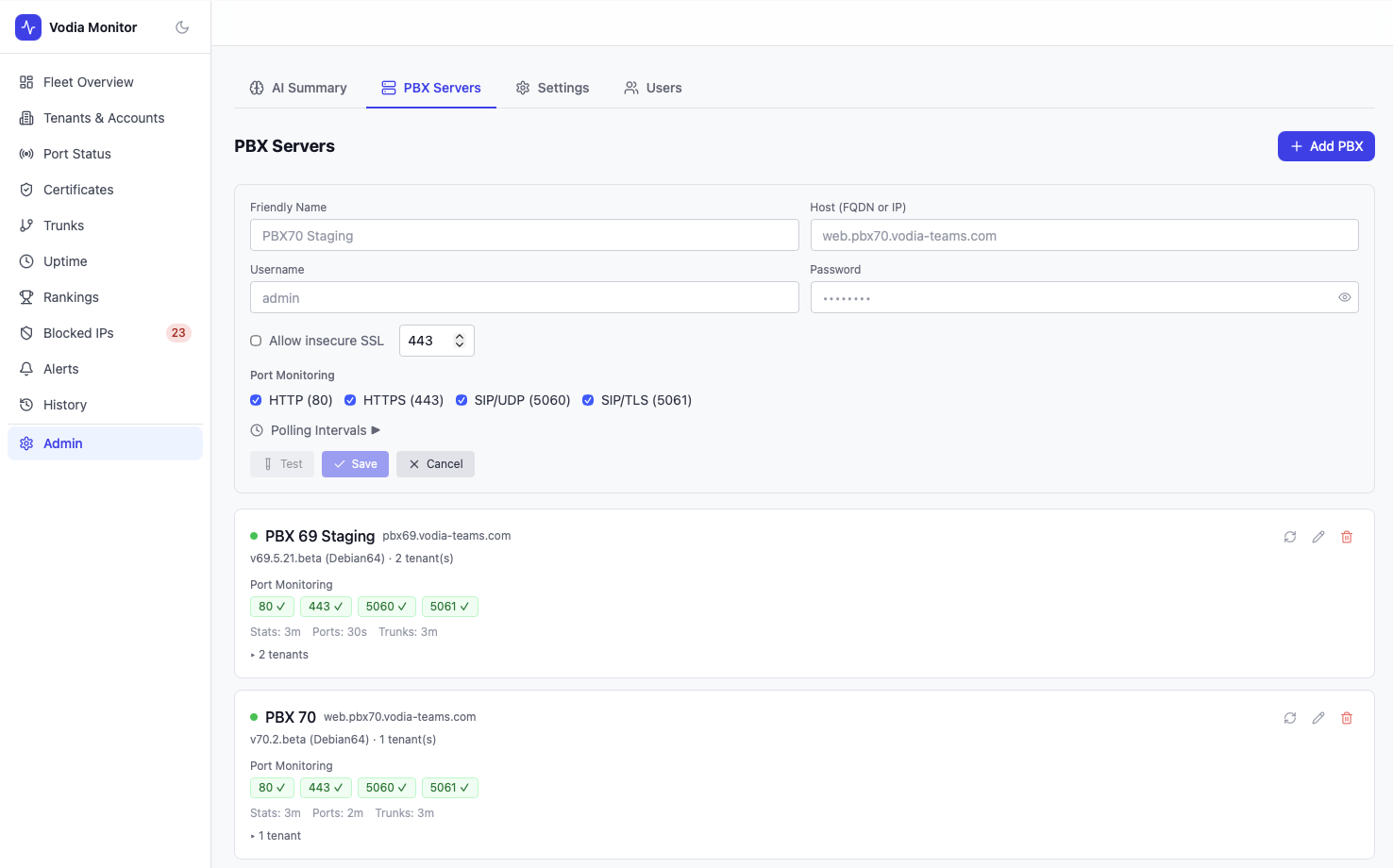
The PBX Servers panel (accessible from the Admin menu) is where you add and manage the Vodia PBX instances that Vodia Monitor polls. Each server is polled independently on configurable intervals.
Adding a PBX
Click Add PBX and provide:
- Hostname — the PBX's public FQDN (e.g.
pbx.example.com) - Admin credentials — a dedicated administrator account on the PBX
- Test - use the Test button to make sure it connects.
Create a dedicated administrator account on your Vodia PBX for use with Vodia Monitor. To restrict access, whitelist the Vodia Monitor server's IP address on your PBX so that only this IP can authenticate using the dedicated admin credentials.
Poll Intervals
Each PBX has independently configurable polling intervals:
| Data Type | Default | Configurable |
|---|---|---|
| Stats (system status, calls, accounts) | 3–5 min | Per PBX |
| Port checks | 30s–2 min | Per PBX |
| Trunk status | 3–5 min | Per PBX |
Intervals are shown on each PBX card in the Admin panel (e.g. Stats: 3m · Ports: 30s · Trunks: 3m).
PBX Card
Each configured PBX displays:
- Version and platform (e.g.
v70.2.beta (Debian64)) - Number of tenants discovered
- Port monitoring status for HTTP (80), HTTPS (443), SIP-UDP (5060), SIP-TLS (5061)
- Current poll intervals for stats, ports, and trunks
- Expandable tenant list with per-tenant metrics links
Tenant Discovery
Vodia Monitor automatically discovers tenants by querying the PBX API. New tenants appear across all monitoring pages as soon as they are discovered. Deleted tenants retain historical data but stop being polled. The rediscovery interval (how often the tenant list is refreshed) is configurable per PBX (6h / 12h / 24h).
Requirements
- Vodia PBX v69 or later
- API access enabled on the PBX
- Vodia Monitor server IP whitelisted on the PBX (recommended)