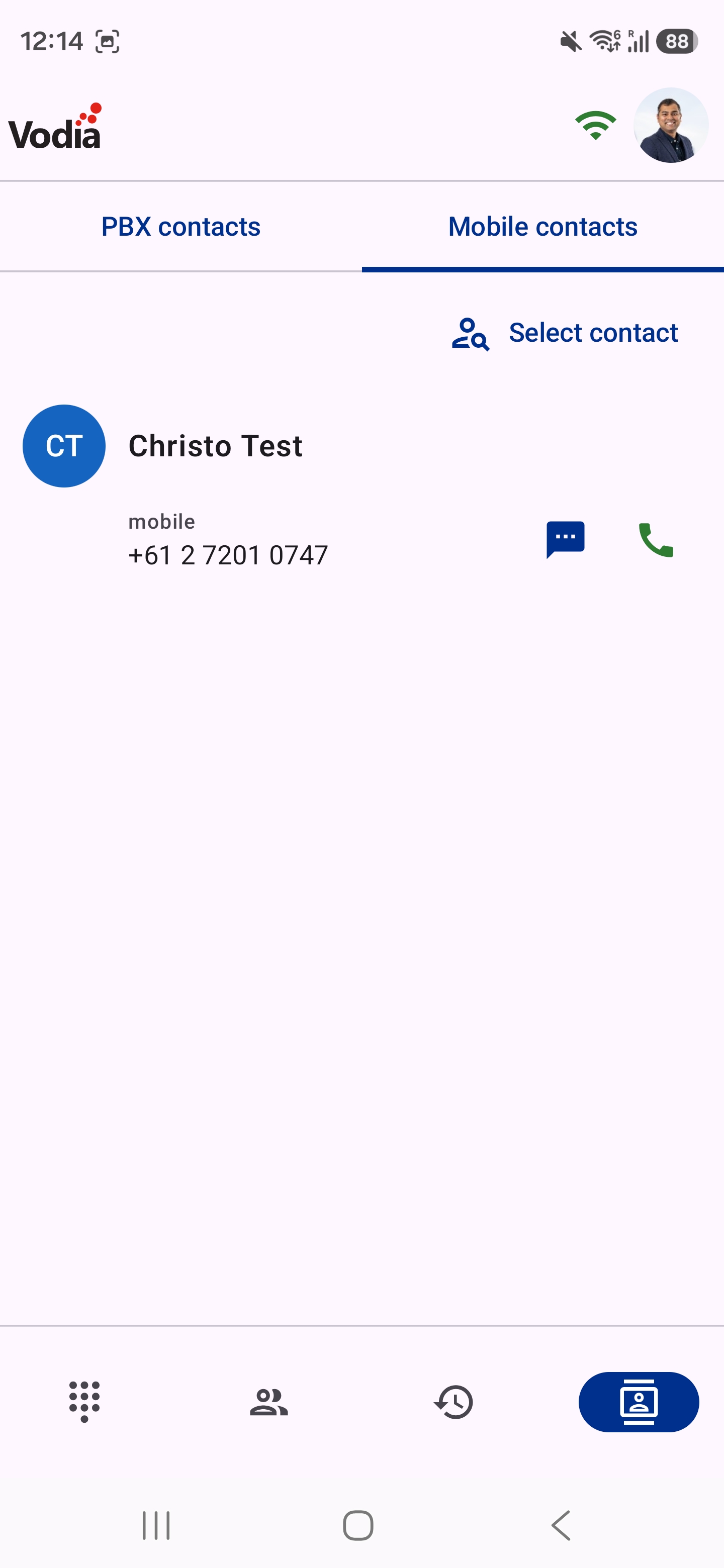
Contacts
Contacts
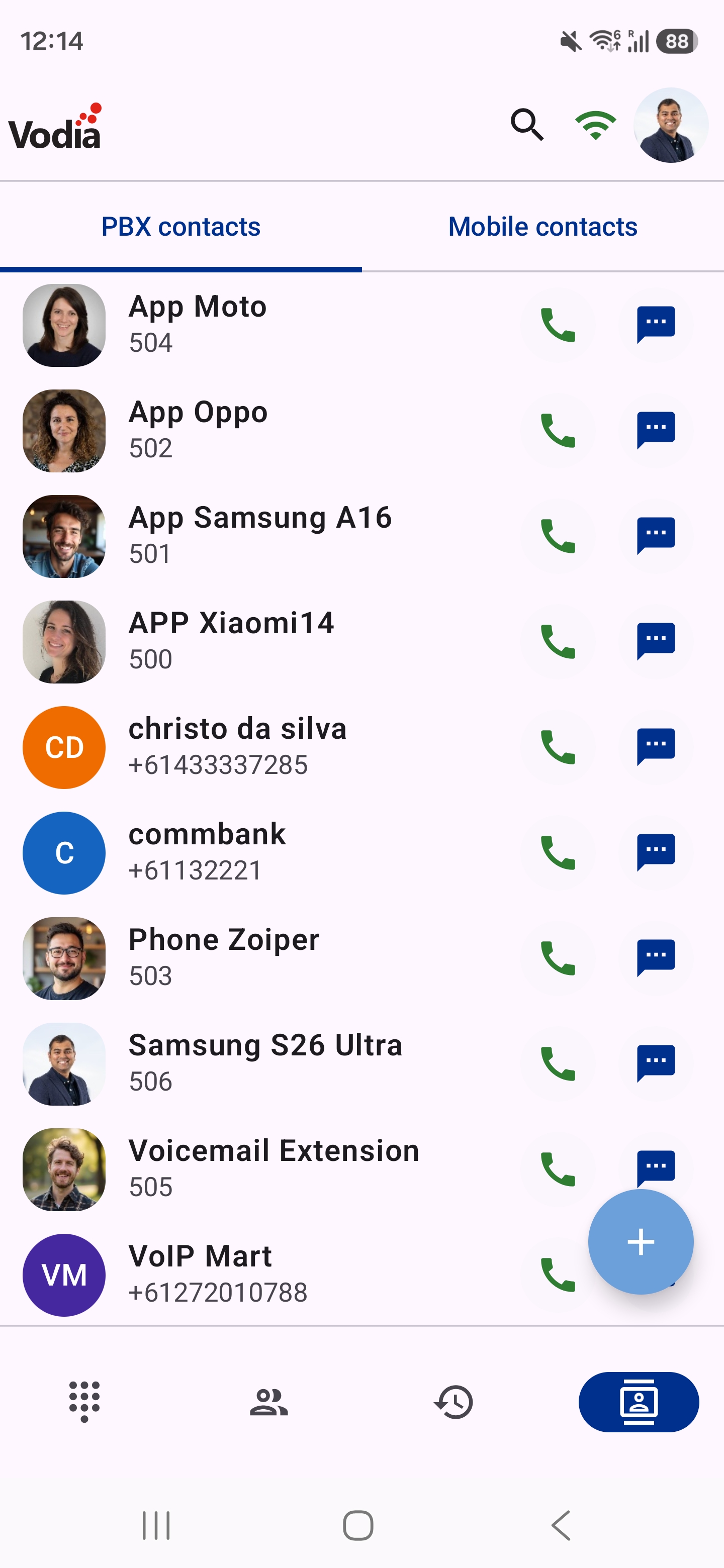
On this tab, you can access your contacts. There are 2 types of contact lists: one from the PBX and the other from your phone.
PBX Contacts
- This is downloaded from your tenant address book
- You can call or text a PBX contact
- Extensions are hidden here by default, as they have their own tab. Turn on Include extensions to list them too
Phone Contacts (Contacts Stored on Your Phone Locally)
- You can access your phone contacts here. The app asks for access to your contacts the first time you open this tab
- You can call a contact once selected by clicking on the green button
- Your contacts also get a Vodia Phone 2 call action in your phone's own Contacts app. See Dialing & Receiving Calls